AI product photography that keeps your actual product
advrt edits your product photo into lifestyle, UGC-style and headline ad scenes with Nano Banana, Seedream 4 or Flux Kontext, telling the model not to redesign the product.
Start from the packshot you already have and get ad-ready scenes around it in 1:1, 4:5, 9:16 or 16:9. We made 39 ads this way for 13 fictional products; here's what held up and what didn't.
Free plan: 5 ad generations a month, no card.
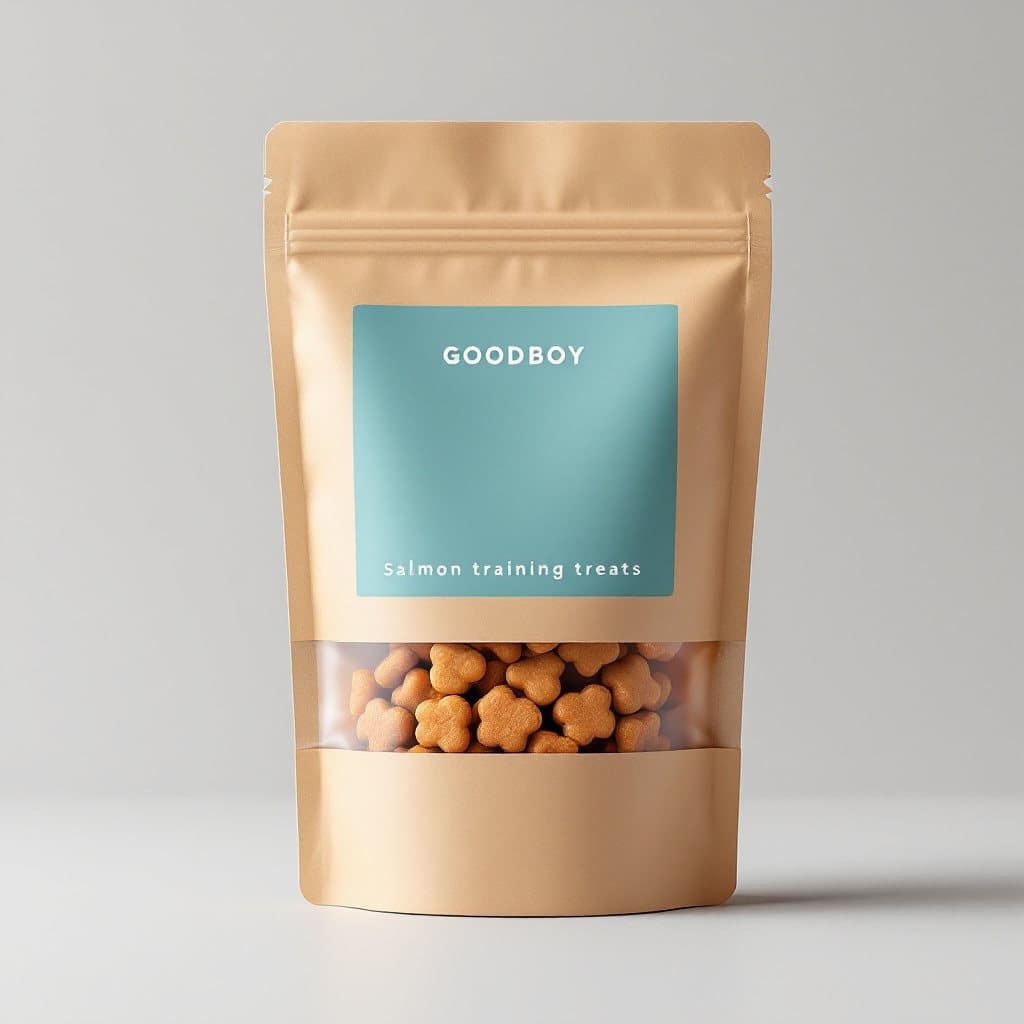
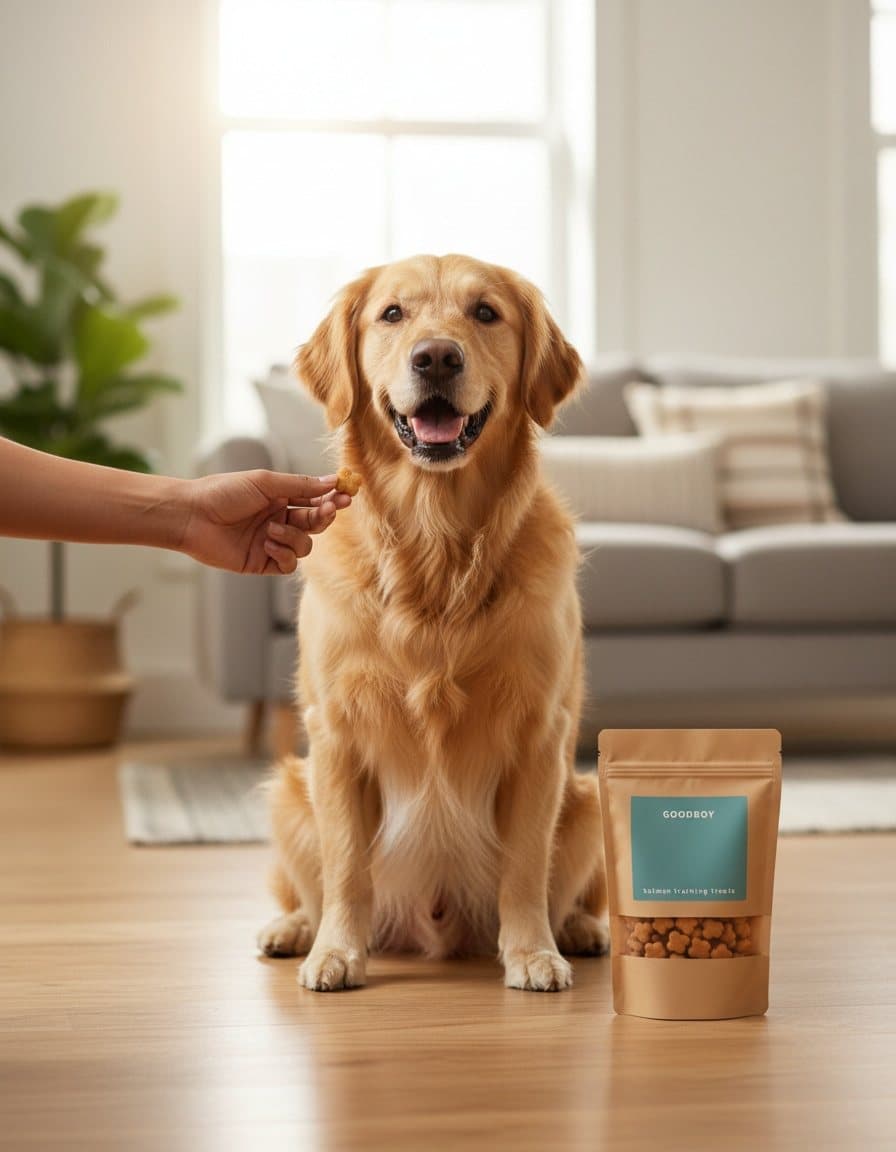
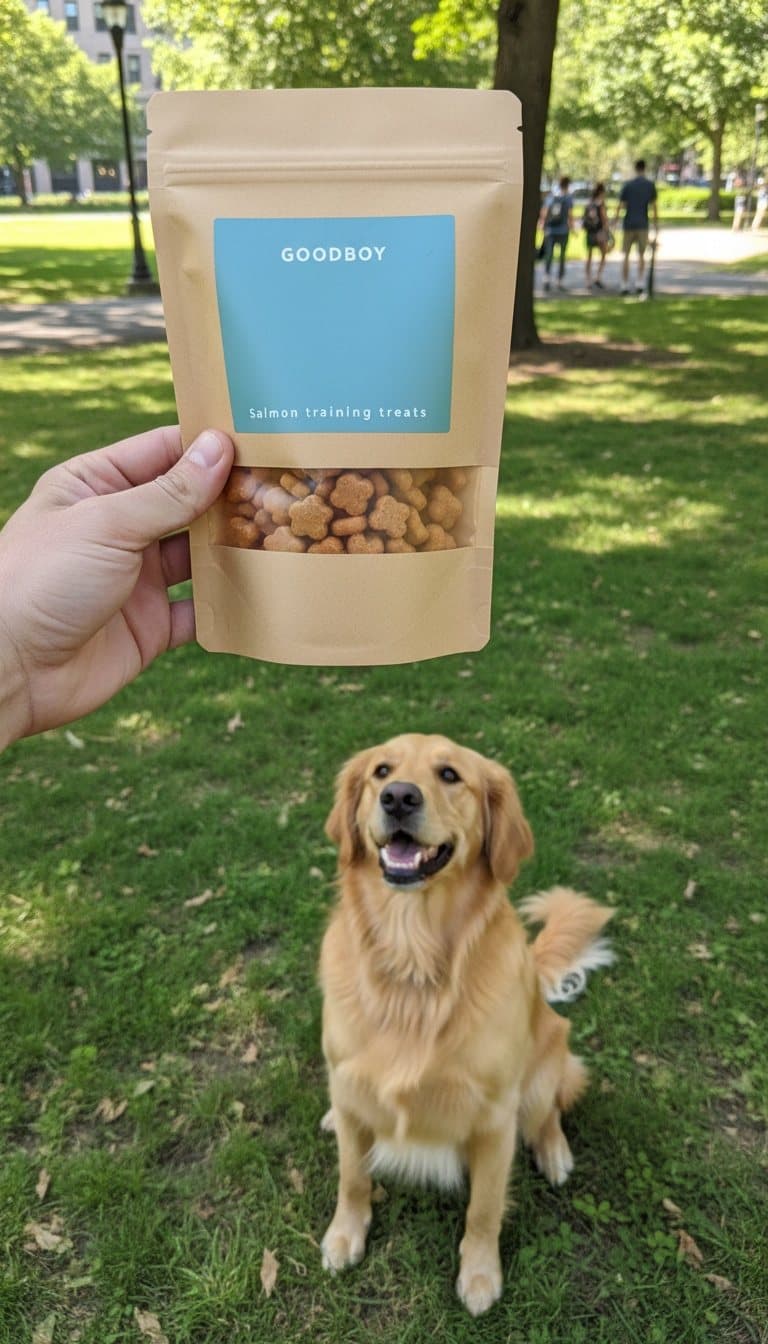
One packshot, two scenes. Unedited advrt outputs for a fictional brand.
How does advrt turn a product photo into ad images?
advrt sends your real product photo to an image-editing model with a scene description, instead of asking a text-to-image model to imagine your product. The default is Nano Banana, which takes up to 4 reference photos; Seedream 4 (up to 4) and Flux Kontext Pro (1) are the alternatives. Every prompt to these models starts with the same instruction: keep the product's shape, colours, materials, label, logo and packaging text, and don't add text to it.
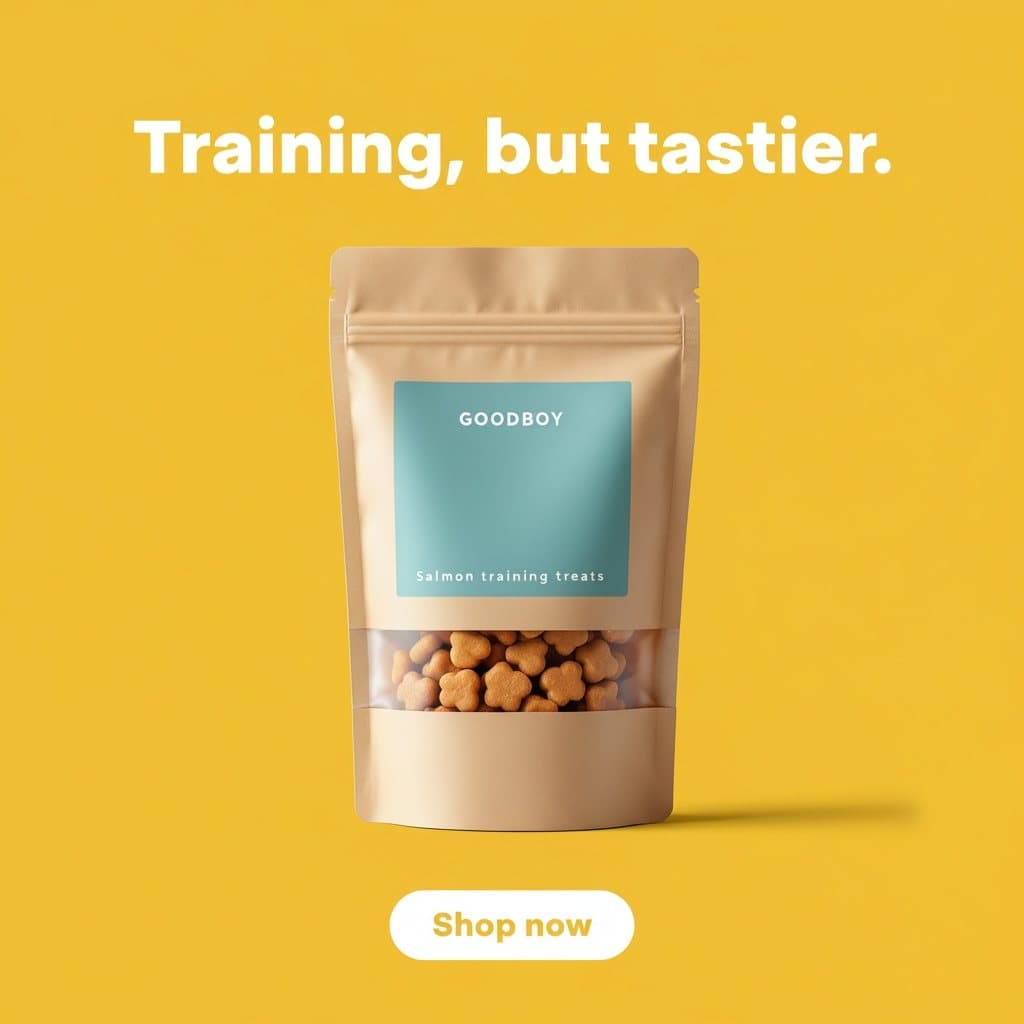
The scene comes from the angle you pick: a kitchen counter for a coffee bag, a park for dog treats, a bedside table for a sleep supplement. You get 1:1, 4:5, 9:16 or 16:9 (Flux Kontext skips 4:5), sized for feed, Stories and Reels. The result is an ad image, not a retouched catalogue shot: it's composed for a thumb-stopping scroll, and you can test it on Meta straight away.
At a glance
| Input | Your product photo, up to 4 per ad |
|---|---|
| Models | Nano Banana, Seedream 4, Flux Kontext Pro |
| Sizes | 1:1, 4:5, 9:16, 16:9 |
| Our output size | 1024×1024, 896×1152, 768×1344 |
| Our test | 13 products, 39 ads |
| Failures we hit | 1 blank base photo, 1 hidden product |
| Editing | No layer editor; regenerate with a new brief |
How the photo-to-scene step works
This runs on every plan. Each image is one generation.
- Bring in your photos. Import a product URL, Shopify products or a CSV. advrt keeps every product photo; up to 4 go to the model as references.
- Pick an angle. The angle's image concept describes the scene: setting, surface, props, hands or people, and where the product sits in the frame.
- advrt writes the prompt. A separate prompt writer refers to your item only as "the product" and never describes its shape or label, because the photo defines those. It adds lighting and camera angle, and keeps the product as the sharp, fully visible hero.
- The preservation line goes first. Before sending, advrt puts its product-preservation instruction at the start of the prompt (quoted below).
- Pick a size and generate. Choose the placement ratio. With "auto", advrt uses Nano Banana whenever the product has photos and Flux Pro 1.1 when it doesn't.
- Check and keep or regenerate. Compare the label and shape against your photo before you use the ad. To change something, edit the brief and regenerate.
What we learned making 39 ads from 13 packshots
To build advrt's showcase we invented 13 products, from a magnesium supplement to a gold necklace, and made one AI packshot of each with Flux Pro 1.1 at 1024×1024. advrt's own image path (Nano Banana edit) then made three ads per product: a lifestyle scene at 4:5 (896×1152), a UGC-style phone shot at 9:16 (768×1344) and a headline feed ad at 1:1. Every prompt began with this line:
Use the product exactly as it appears in the reference image(s): same shape, colors, materials, label, logo and packaging text. Do not redesign, restyle or add text to the product.
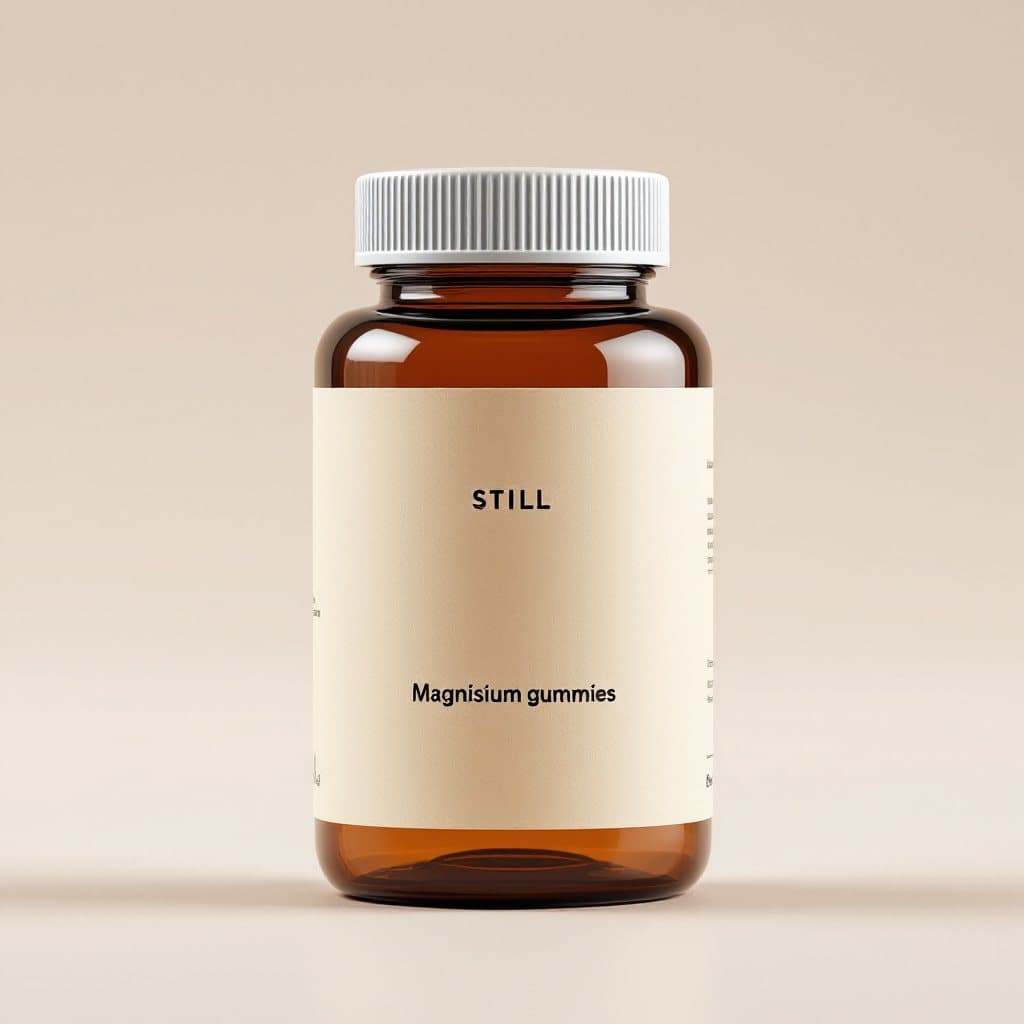
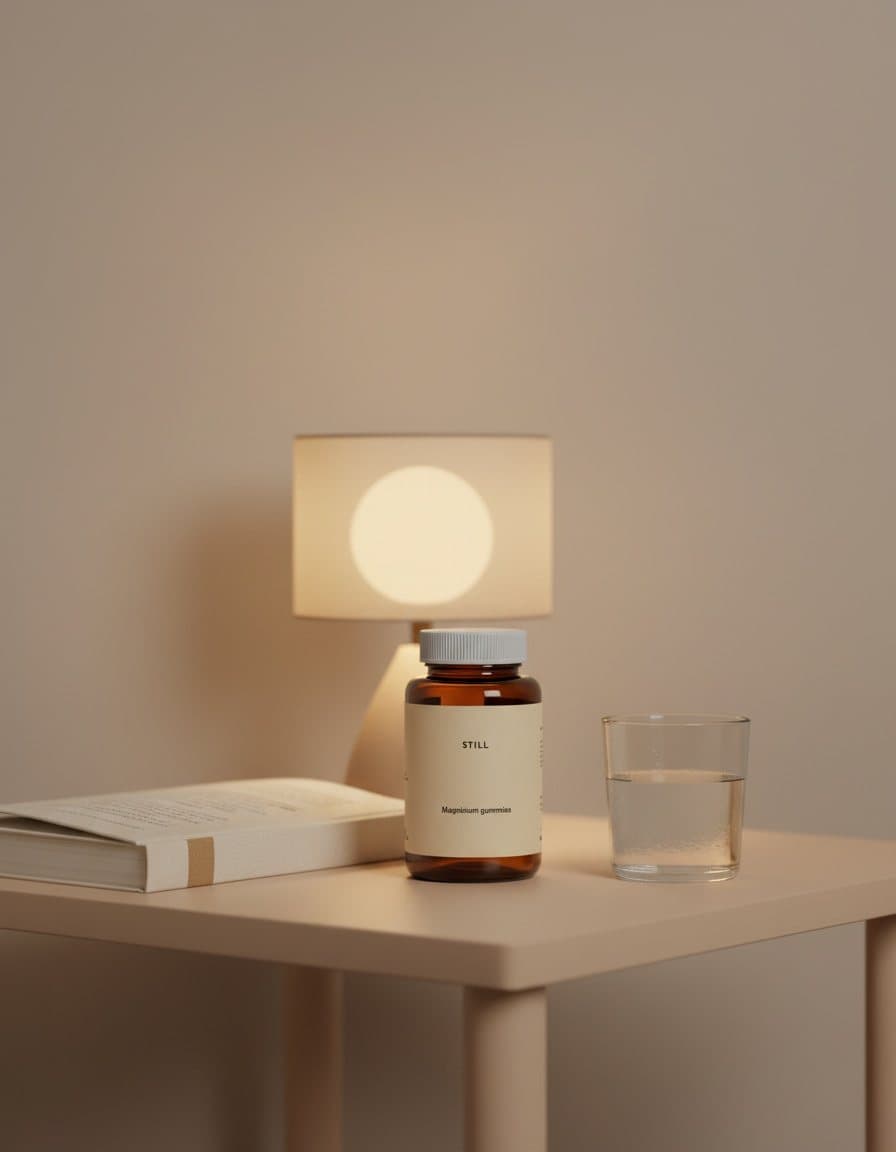
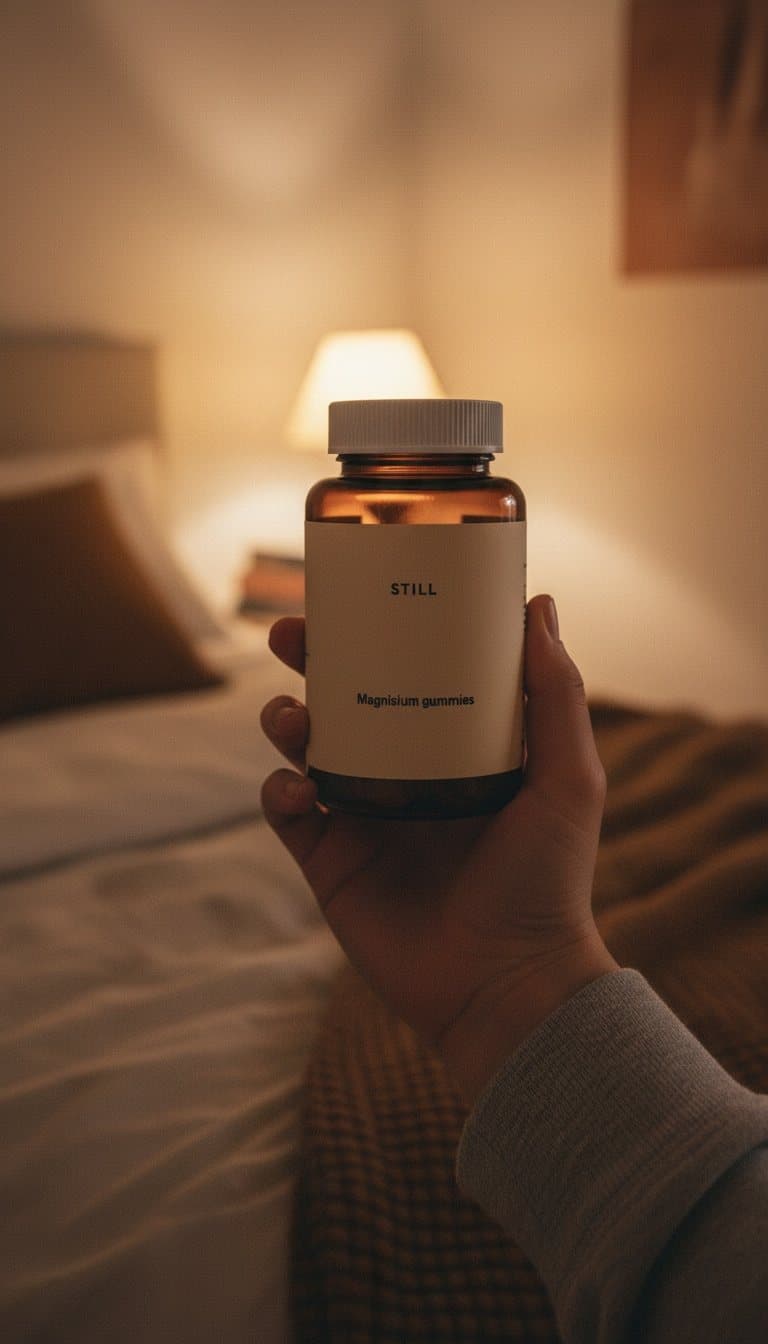
The misspelled "Magnisium" came from the text-to-image packshot. All three edits copied it faithfully. Preservation keeps mistakes too.
| Product | What happened | Why | Fix |
|---|---|---|---|
| STILL magnesium gummies | The first packshot came back as a blank black frame. The three edits built on it invented three different products: a blue bottle, a candle jar and another jar. | With nothing in the reference, there was no product to preserve. | Regenerate the base photo, then the edits. |
| STILL magnesium gummies | The new packshot spelled the label "Magnisium". Every edit kept the typo. | The edit model preserves what it's given, errors included. | Fix the source photo; no prompt will correct it. |
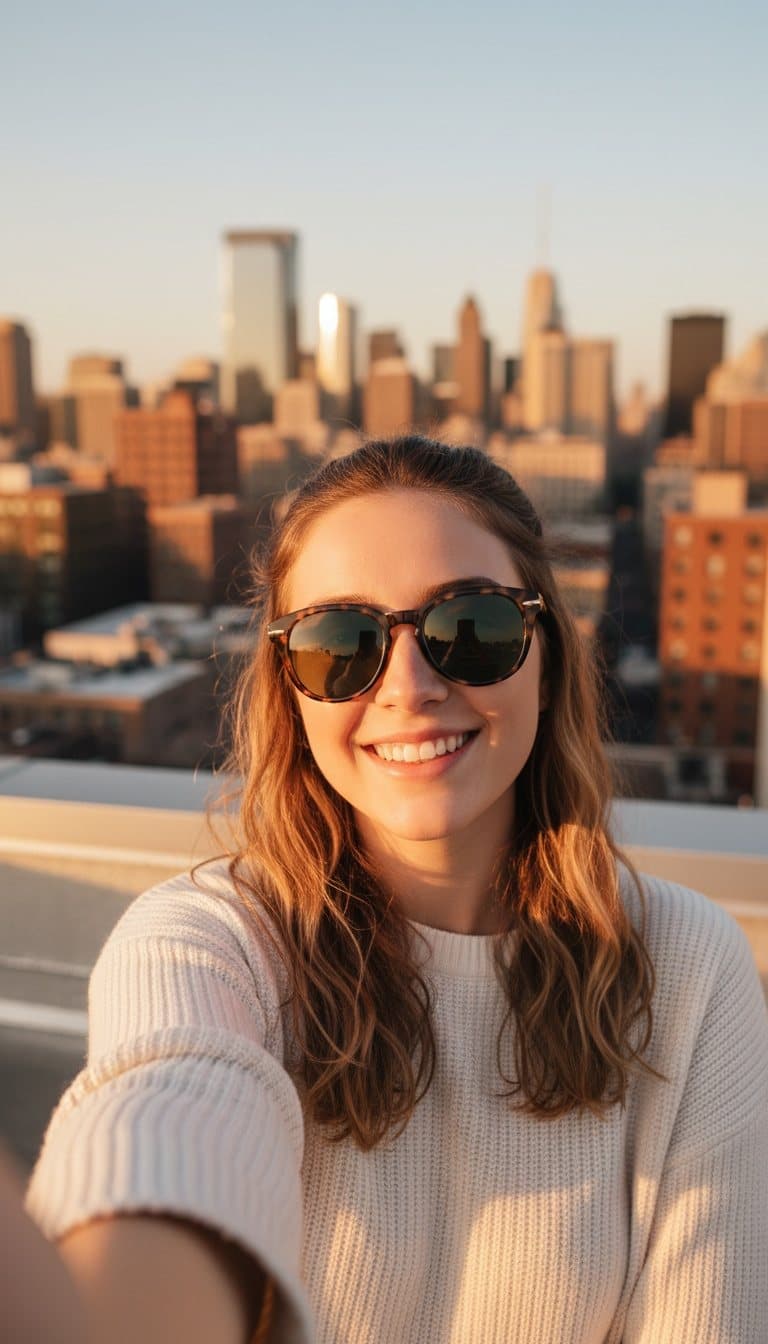
| Gold necklace | The first UGC selfie didn't show the necklace at all. | Small products get lost in a person-led scene. | Asked for the pendant to be visible and in focus. |
| NORTHFIELD sweatshirt | The mirror selfie shows the chest logo reversed. | That's what a mirror does, and the model drew it faithfully. | Ask for a front-facing photo when the logo matters. |
The necklace and sweatshirt images on this site are the final versions from these runs.
The lesson is that the starting photo matters more than the prompt. A clean, well-lit packshot with legible label text is what the model preserves. Small label print is the weak spot: on our LOWTIDE coffee bag the fine print was garbled in the source photo, and it stays garbled in every ad.
Nano Banana, Seedream 4 or Flux Kontext: which should you pick?
Start with Nano Banana. It's advrt's default whenever a product has photos, and it's what we used for all 39 showcase ads. The other two are there for specific cases, and the differences are mostly practical: how many reference photos each takes and which sizes it can output.
| Model | Reference photos | Sizes | advrt's note | Typical wait (advrt estimate) |
|---|---|---|---|---|
| Nano Banana (edit) | Up to 4 | 1:1, 4:5, 9:16, 16:9 | Keeps the real product from your photos; best default | About 10 seconds |
| Seedream 4 (edit) | Up to 4 | 1:1, 4:5, 9:16, 16:9 | Higher-resolution product compositing | About 15 seconds |
| Flux Kontext Pro | 1 | 1:1, 9:16, 16:9 | Precise single-photo edits: background, scene, lighting | About 10 seconds |
From advrt's model registry. Wait times are advrt's own estimates and vary with queue load.
Use extra reference photos when the product has more than one important side, such as a box with a back panel or a shoe. Use Flux Kontext when you have one excellent photo and want the scene changed around it with as little else touched as possible. If none of them gets a detail right after two tries, the fix is usually a better source photo, not another model.
Are the images big enough for Meta?
Big enough to run, smaller than Meta's ideal. Meta's Facebook Feed guide recommends 4:5 images at 1440×1800 pixels and sets a minimum width of 600 pixels. advrt's 4:5 lifestyle images from our test were 896×1152: well above the minimum, below the recommendation. On a phone in the feed the difference is hard to see; on a desktop right column it can look soft.
| Size | advrt output (our test) | Use it for | Meta guidance |
|---|---|---|---|
| 1:1 | 1024×1024 | Feed, carousel | Accepted |
| 4:5 | 896×1152 | Feed (Meta's recommended ratio) | 1440×1800 recommended, 600 px minimum width |
| 9:16 | 768×1344 | Stories, Reels | Keep text out of the top 14% and bottom 35% (Reels) |
| 16:9 | Model dependent | Landscape placements | Accepted |
Meta figures from the Meta Ads Guide (Facebook Feed image specs; Instagram Reels specs), checked October 2026.
advrt vs other ways to get product photos for ads
Most tools in this space are built for store listings. advrt is built for ads, which changes what good looks like.
| Option | Best for | Main tradeoff | Keeps your exact product |
|---|---|---|---|
| advrt photo edit | Ad scenes in placement sizes, tested on Meta | Below Meta's top recommended resolution; check labels | |
| Background and staging apps (for example Photoroom) | Clean listing photos, background swaps, high volume | Scenes are made for listings, not ad angles; no testing | |
| Text-to-image (Flux, Midjourney) without a reference | Concepts and moodboards | Invents a product that looks like yours | |
| Product photographer | Hero shots, packaging detail, print | Cost and lead time per shoot | |
| Shopify ad apps that composite your photo | Quick templated statics | Template look; limited scenes |
Category descriptions are general. Check each vendor's current plans before buying.
Checked facts
- Meta recommends 4:5 at 1440×1800 for Facebook Feed images, JPG or PNG, up to 30 MB, with a minimum width of 600 pixels and a 3% aspect-ratio tolerance (Meta Ads Guide: Facebook Feed image, checked October 2026).
- Meta's Instagram Reels guide asks you to keep 14% at the top, 35% at the bottom and 6% at each side free of key elements, which matters for 9:16 UGC-style images (Meta Ads Guide: Instagram Reels).
- advrt's reference models accept up to 4 product photos (Nano Banana, Seedream 4) or 1 (Flux Kontext Pro), and Flux Kontext doesn't output 4:5.
- In our 13-product test, one blank base image led to three invented products, and one misspelled label was copied into all three edits.
What it costs
| Plan | Price | Includes |
|---|---|---|
| Free | $0/mo | 5 ad generations / month · 1 brand · AI angles, hooks and ad copy · Ads built from your real product photos · Meta Ad Library swipe file |
| Basic | $19.99/mo | 100 ad generations / month · Up to 5 brands · Everything in Free · Live creative tests on Meta · Winner / loser verdicts vs. your account · Auto-pause losers · Publish to Meta and TikTok |
| Pro | $49/mo | Unlimited ad generations · Up to 50 brands · Everything in Basic · Video ad generation at volume · 14-day free trial |
Prices in USD. Ad spend is paid to Meta or TikTok from your own ad account. Compare plans
Questions
- Will the AI change my product?
- It's told not to, and with a clean photo it mostly doesn't. It can still get small text or fine details wrong, and it copies mistakes in the source photo, so check every ad against your product.
- What photo should I start with?
- A sharp, evenly lit packshot with the label facing the camera and legible text. Extra angles help: advrt sends up to 4 photos to Nano Banana or Seedream 4.
- Can I use these images on my product page?
- You own the output and there's no watermark, so you can. They're composed and sized as ads, though, so a dedicated listing tool may suit product pages better.
- Which sizes can I get?
- 1:1, 4:5, 9:16 and 16:9. Flux Kontext Pro doesn't support 4:5; Nano Banana and Seedream 4 do.
- How much does it cost?
- Each image is one generation. Free includes 5 a month, Basic 100 at $19.99/mo, and Pro is unlimited at $49/mo with a 14-day trial.
- Can I edit text or move things after generating?
- Not inside advrt. Change the brief and regenerate, or download the image and edit it in your usual tool.
Related features
Further reading
- Best AI product photography tools · Listing-focused tools compared
- Best AI image ad generators · Ad-focused image tools
- Instagram ad generator · Feed, Stories and Reels sizes
- Meta ad generator · From product URL to Meta ad
- advrt by industry · Scenes that suit your category
- Pricing · Each image is one generation
Sources
External facts checked 19 October 2026.
Your next step
Pick the product with your best packshot, make one lifestyle and one UGC-style image, and compare the label against the real thing. If the photo is the problem, reshoot it before you generate more.