AI product video generator that starts from your product photo
advrt animates your product photo into an 8-second video with Veo 3 Fast, in 9:16, 1:1 or 16:9. In our showcase, 1 of 3 renders needed a re-roll; logos broke when the product rotated.
Short product videos for Reels, Stories and TikTok, made from the photo you already have or written from your angle's script. Below: three real renders, what went wrong on the first try and how we fixed it.
Free plan: 5 ad generations a month, no card.
Veo 3 Fast image-to-video renders (8 s, no audio) made from advrt's UGC stills for fictional brands, shown at reduced size. In the app, image-to-video starts from your product photo.
What kind of product video does advrt make?
advrt makes short video ads in two ways. Image-to-video takes your product photo and animates it with Veo 3 Fast, so the bottle or bag in the video starts as the one you sell. Text-to-video writes a scene from your angle's video script and renders it with Veo 3, Veo 3 Fast, Kling 2.1 Master or Luma Dream Machine; there the product is described, not copied, so expect a lookalike.
Every clip in the app is 8 seconds, in 9:16 for Reels, Stories and TikTok, 1:1 for feed, or 16:9. A render usually takes one to three minutes and counts as one generation on your plan. advrt adds no watermark. There are no captions, voiceover tracks or talking presenters yet, so this is product-led video: the product moving, being picked up, poured or worn. Finished videos can go straight into a Meta test or be published to Meta and TikTok.
At a glance
| Clip length | 8 seconds |
|---|---|
| Sizes | 9:16, 1:1, 16:9 |
| From your photo | Veo 3 Fast image-to-video |
| From a script | Veo 3, Veo 3 Fast, Kling 2.1 Master, Luma |
| Render time | Usually 1 to 3 minutes |
| Re-rolls we needed | 2 of 3 products, 1 retry each |
| Not yet | Captions, voiceover, talking avatars |
How to make a product video in advrt
You can make video on every plan, including the free one. Each render uses one generation.
- Import the product. Paste a product URL, import from Shopify or upload a CSV. Image-to-video uses the first photo of the campaign's first product, so put your cleanest packshot first: product centred, label facing the camera, plain background.
- Pick an angle. advrt proposes 3 to 6 angles, and each one includes a video script with a 2-second hook, a body and a closing line. The chosen angle becomes the brief.
- Choose the video model and size. Pick Veo 3 (image to video) to animate your photo, or a text-to-video model for a scene built from the script. Choose 9:16, 1:1 or 16:9.
- advrt writes the prompt. It turns the brief, brand kit and product details into one dense video prompt: what happens in the first 2 seconds, camera movement, lighting and pacing. Add a line like "the product stays still and does not rotate" to the brief if your label must stay readable.
- Review and re-roll. Watch the clip for the failures listed below. If the logo smears or a second hand appears, regenerate with the fix in the brief. There's no timeline editor; you change the brief and render again.
- Test or publish. Put the video into a Meta test next to your image ads, or publish it to Meta or TikTok.
What happened when we rendered three product videos
For advrt's own showcase we animated three UGC-style stills with Veo 3 Fast image-to-video, the model advrt uses: 8 seconds, 720×1280, no audio. One came out usable first time. Two needed a second render, and both failures were about the product moving in ways a real product doesn't.
| Product | First render | What we changed | Renders to a keeper |
|---|---|---|---|
| Sunglasses | Usable as rendered | Nothing | 1 |
| FLOW water bottle | The bottle rotated and the FLOW logo turned into "FWLOFW" | Added "the bottle does not turn or rotate" | 2 |
| LOWTIDE coffee bag | A stray second hand appeared mid-clip | Added "one hand only" | 2 |
5 renders for 3 usable videos. Small sample; your rate will depend on the product and the prompt.
The pattern is worth knowing before you spend generations. Video models redraw the product in every frame. While it faces the camera, the reference photo anchors it. Once it turns, the model has to invent the side it never saw, and text is the first thing to go. Hands are the second: models add, merge or lose fingers when a hand moves across the product. Asking for a steady product and a single hand fixed both of our failures on the next render.
- Keep the product facing the camera. Ask for push-ins, light changes or a hand lifting it, not spins.
- Name the number of hands, and ask for them to stay off the label.
- Check the first and last frames: Meta and TikTok often show one of them as the cover.
- Expect to budget about one re-roll for every two products.
What file do you get, and does it meet Meta's specs?
Our renders came back as 8.0-second MP4s at 24 frames per second with no audio track, 720×1280 for 9:16. That's the right shape for Reels and Stories, but below Meta's recommended resolution of 1440×2560 for Instagram Reels, so it won't be the sharpest video in the feed. Meta's Reels guide also asks you to keep about 14% at the top, 35% at the bottom and 6% at each side free of key elements, because the profile icon, caption and call to action sit there.
| advrt output (our renders) | Meta recommends | |
|---|---|---|
| Reels / Stories ratio | 9:16 | 9:16 (Instagram Reels) |
| Reels resolution | 720×1280 | 1440×2560 |
| Feed ratio | 1:1 (no 4:5 video yet) | 4:5 for Facebook Feed video |
| Length | 8 seconds | Reels: 0 s to 15 min; Feed: 1 s to 241 min |
| Sound | No audio track in our renders | Captions and sound optional but recommended (Feed) |
Meta figures from the Meta Ads Guide pages linked below, checked October 2026.
Google says videos made by Veo are watermarked with SynthID, an invisible watermark that identifies AI-generated content. You won't see it, and advrt adds no visible watermark of its own, but it's there.
Ways to get a product video ad, compared
The right tool depends on whether you need the product to be exact, a person to talk, or a lot of volume.
| Option | Best for | Main tradeoff | Product accuracy |
|---|---|---|---|
| advrt image-to-video | Short product-led clips from a photo you already have, tested on Meta | 8 seconds, no voice or captions; about 1 in 3 renders needed a retry | Starts from your photo; can drift when it rotates |
| advrt text-to-video (Veo 3, Kling, Luma) | Scenes and moods from your angle's script | The product is described, not copied | Lookalike |
| Slideshow and template video makers | Pan, zoom and text over existing photos | Little real motion; looks like a template | Exact, it's your photo |
| AI avatar tools (Arcads, Creatify) | A person talking to camera about the product | Avatars don't hold your product unless you build that shot first | Varies |
| Filming it yourself or with a creator | Real hands, real sound, any length | Time, shipping product, paying per video | Exact |
Arcads' help centre says its library actors "are not yet holding your product" and describes generating that image first (checked October 2026). Creatify's Standard plan is $15/mo billed monthly (as of October 2026).
Checked facts
- Google's Veo documentation says "videos created by Veo are watermarked using SynthID" and lists 24 fps output (Google AI for Developers: Veo, checked October 2026).
- Meta recommends 9:16 at 1440×2560 for Instagram Reels ads and keeping 14% of the top, 35% of the bottom and 6% of each side clear (Meta Ads Guide: Instagram Reels).
- For Facebook Feed video, Meta recommends 4:5 at 1440×1800 and accepts 1 second to 241 minutes (Meta Ads Guide: Facebook Feed video).
- Arcads' help centre: "the actors available in the library are not yet holding your product" (Arcads: Show a product in a video).
- Creatify lists Standard at $15/mo billed monthly with 300 AI actors, and watermarked exports on its free plan (Creatify pricing, as of October 2026).
- Our three renders: 1 usable first time, 2 fixed with one re-roll each; failures were a rotating bottle that garbled its logo and an extra hand.
What it costs
| Plan | Price | Includes |
|---|---|---|
| Free | $0/mo | 5 ad generations / month · 1 brand · AI angles, hooks and ad copy · Ads built from your real product photos · Meta Ad Library swipe file |
| Basic | $19.99/mo | 100 ad generations / month · Up to 5 brands · Everything in Free · Live creative tests on Meta · Winner / loser verdicts vs. your account · Auto-pause losers · Publish to Meta and TikTok |
| Pro | $49/mo | Unlimited ad generations · Up to 50 brands · Everything in Basic · Video ad generation at volume · 14-day free trial |
Prices in USD. Ad spend is paid to Meta or TikTok from your own ad account. Compare plans
Questions
- Can advrt turn a product photo into a video?
- Yes. Choose the Veo 3 image-to-video model and advrt animates the first photo of your product into an 8-second clip in 9:16, 1:1 or 16:9.
- How long are the videos?
- 8 seconds per clip in the app. For longer ads, make several clips and join them in your own editor.
- Do the videos have sound?
- Our showcase renders had no audio track. advrt doesn't add voiceover, music or captions yet, so plan for sound-off viewing or add audio in an editor.
- Will my logo stay readable?
- Usually, while the product faces the camera. In our tests a rotating bottle garbled its logo; asking for the product not to rotate fixed it on the next render.
- Is there a watermark?
- advrt adds none, and you own the output. Google embeds SynthID, an invisible watermark, in videos made with Veo.
- How many videos can I make?
- Each render is one generation. Free includes 5 a month, Basic 100 a month at $19.99, and Pro is unlimited at $49.
- Can I make talking UGC videos?
- Not yet. Talking AI creators with voice are in development. Today advrt writes the hook and script for a creator to film, and makes product-led video.
Related features
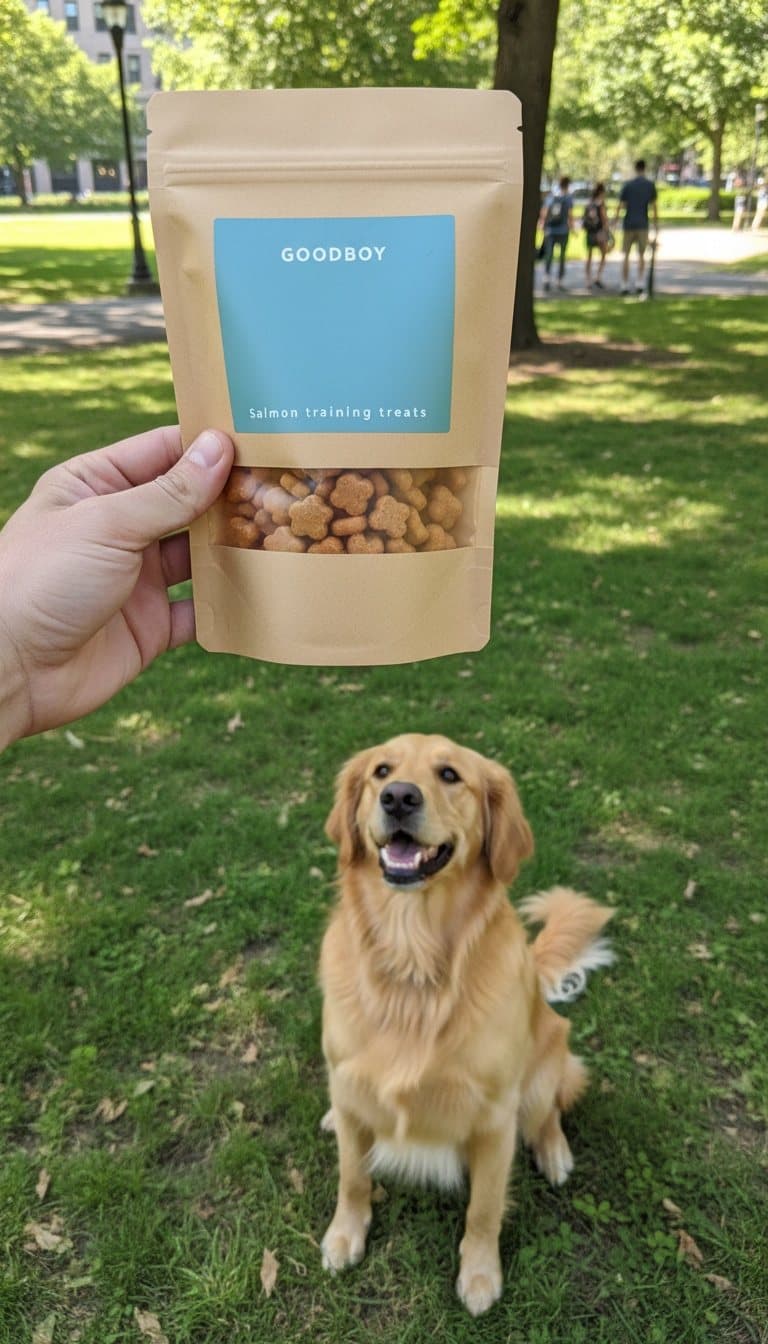 UGC ad generatorPhone-shot style images and short videos with your real product, plus scripts to film.
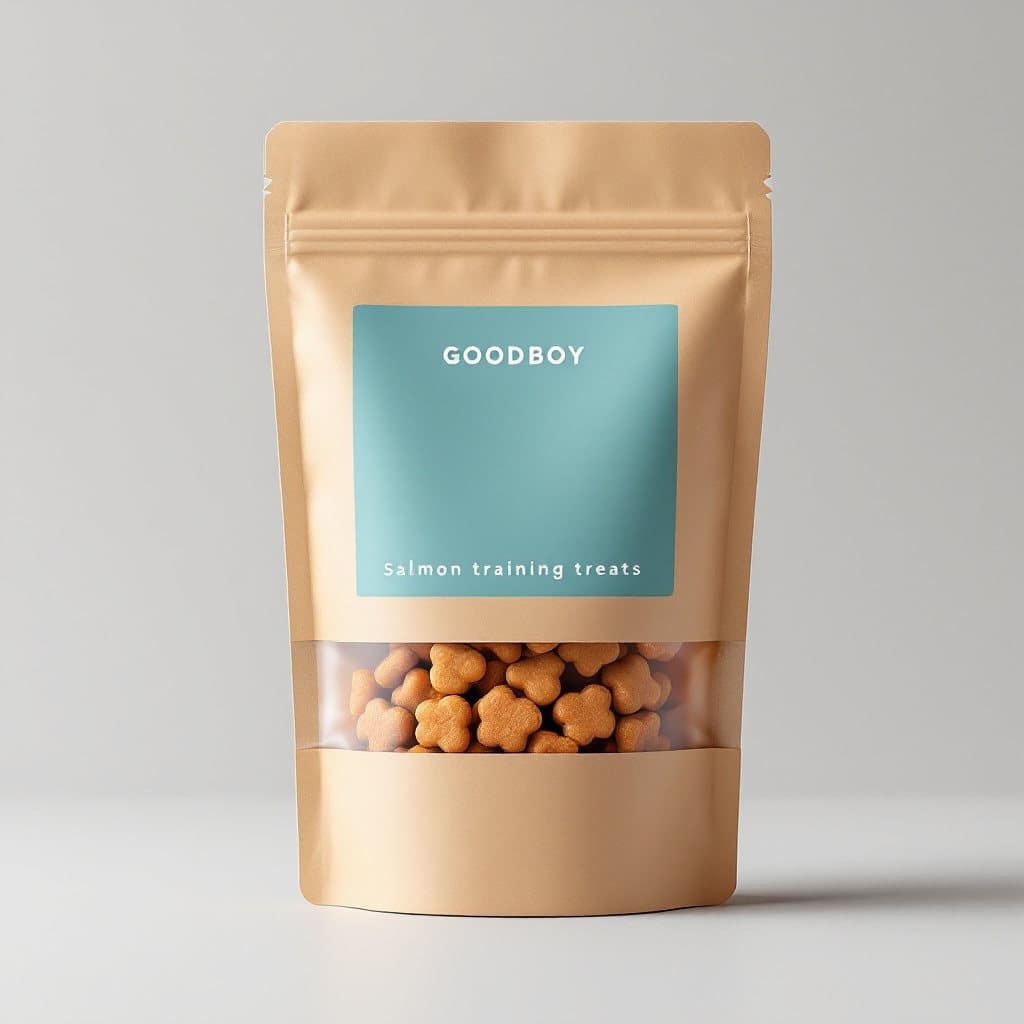 AI product photographyYour packshot, placed into lifestyle and UGC-style scenes without redesigning it.
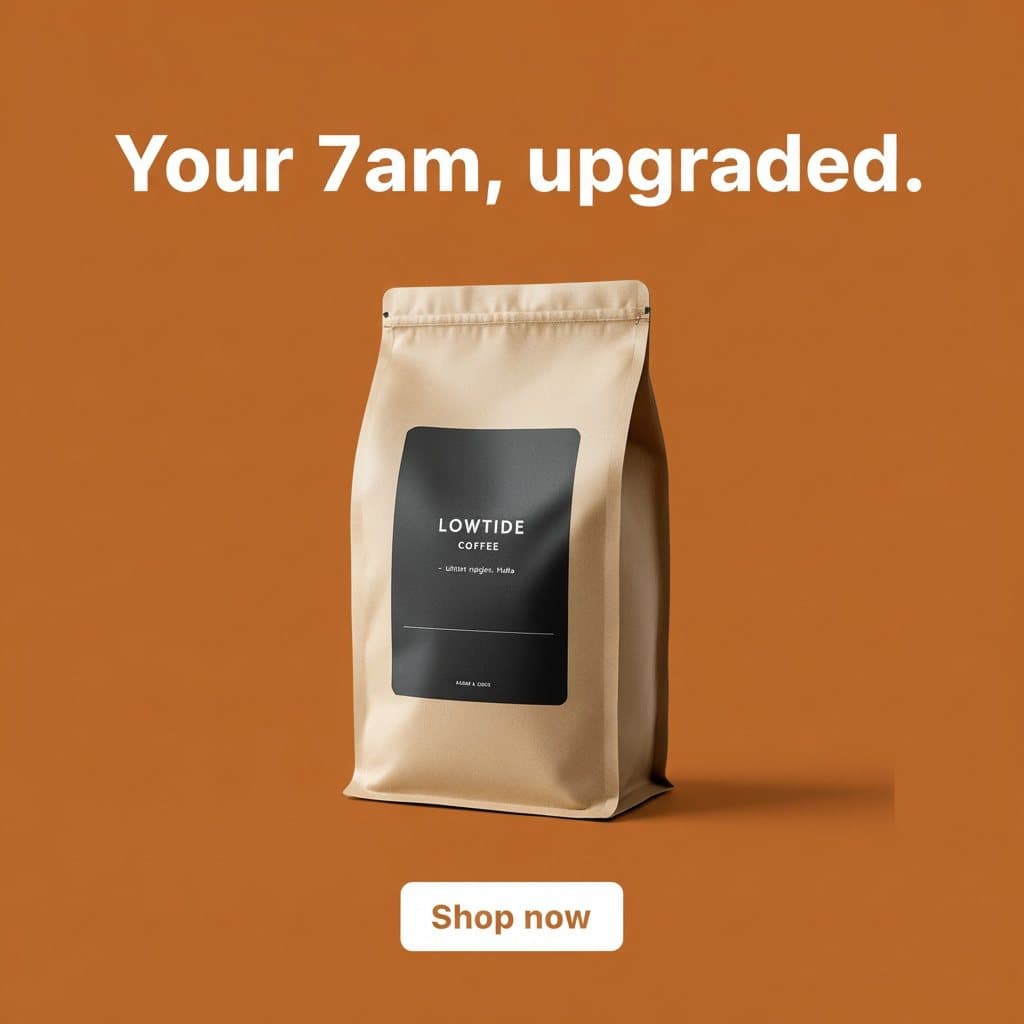 Meta creative testingOne ad set per creative, equal budgets, verdicts against your own account's last 30 days.
Further reading
- TikTok ad generator · 9:16 video for TikTok, published from advrt
- Instagram ad generator · Reels and Stories sizes
- Best AI video ad generators · The wider category, including avatar tools
- Reels, explained · Placement basics
- advrt by industry · Video ideas by product type
- Pricing · Video counts as one generation
Sources
External facts checked 19 October 2026.
Your next step
If a short, sound-off product clip is what you're missing, start with your best packshot and one 9:16 render, and budget a re-roll. If you need a person talking, use an avatar tool or a creator for now.