advrt
Blog

9 best AI product photography tools (2026, compared).

Hero shots, lifestyle scenes, on-model imagery and packaging mockups: 9 AI tools compared from public information on fidelity, workflow and licensing, with our pick for each job.

By advrt team · Comparison · Apr 2026 · 12 min read

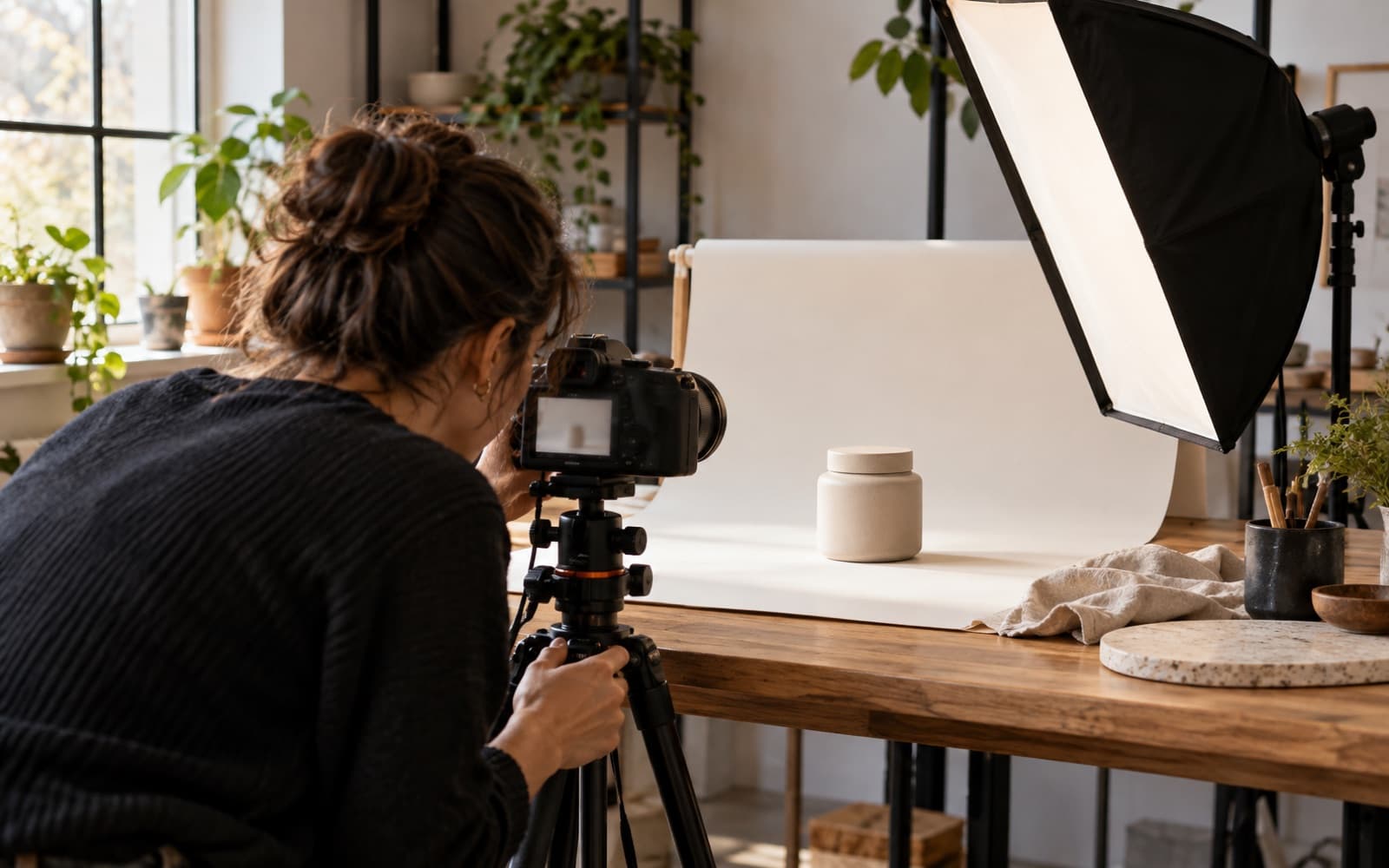
Product photo shoot with lights and a seamless backdrop
Bottom line: For a broad image-and-video workspace with product photoshoots, look at morphed. For product shots that become paid-social ads built around your real product photos, advrt. Pebblely or Photoroom for fast single-purpose listing photography. Adobe Firefly for Adobe-ecosystem teams. Midjourney for brand-led art direction.

Many ecommerce brands now use AI for at least part of their listing and paid-social imagery. The category has fragmented into four shapes: broad image-gen workspaces (morphed, Adobe Firefly, Midjourney), ad-embedded photo tools (advrt, AdCreative.ai), single-purpose product-shot tools (Pebblely, Photoroom, Flair), and editor-style suites (Picsart).

We compared 9 AI tools from public information (vendor sites, feature pages and pricing) across hero, lifestyle, on-model, packaging mockup and seasonal use cases, looking at fidelity, consistency, format coverage and licensing.

Disclosure: advrt and morphed are sister products from the same team. We held them to the same checklist as the rest. Where another tool fits the job better, we'll say so.

The 9 tools at a glance
ToolAngleBest forPricing
morphedAI image + video workspace, multiple modelsCreators, ecom, designersSee site
advrtProduct shots inside an ad + testing pipelineEcom shipping Meta ads weeklyFree / $19.99+
PebblelyAI product photoshootsQuick listing photographySee site
Picsart StudioAI photo editor + product toolsSolo founders, indie ecomSee site
PhotoroomBackground removal + AI scenesQuick product backgroundsSee site
Adobe FireflyAdobe's generative image modelTeams in the Adobe ecosystemSee site
MidjourneyArtistic image generationBrand-led visual directionSee site
Flair AIAI product photoshoot studioDTC brands needing scenesSee site
AdCreative.ai (photoshoots)AI product photoshoots inside an ad toolSMB self-serve combining ads + photos$39/mo ($20 yearly)+

What we compared on

Product photography has format-specific requirements that generic image-gen misses. We looked at five workflow dimensions:

  • Subject fidelity: does the AI preserve your product's actual shape, packaging and color?
  • Scene variety: can it generate hero, lifestyle, on-model, packaging and seasonal shots cleanly from one source?
  • Cross-batch consistency: does the same product look the same across many shots in the same style?
  • Commercial rights: clean licensing for ecom listings, paid social, agency client work?
  • Distribution: direct push to an ad or ecom platform, or asset export only?

The 9 tools, ranked

Ordered for the typical ecom buyer needing both single-product photography and consistent style across batches. Only advrt and AdCreative.ai details come from verified sources; the others are described by category, so check their sites for current features and pricing.

1. morphed

AI image and video workspace with multiple generation models plus apps like product photoshoots and AI headshots. Sister product to advrt.

Best for:
Creators, ecom and designers needing breadth
Pricing:
See site
  • Multiple image models in one workspace
  • AI product photoshoot apps
  • AI headshot generation
  • Text-to-video and image-to-video
  • Check the site for plans and licensing

Visit morphed

2. advrt

Product photography inside a paid-social ad pipeline. Edits your real product photos into ad scenes, writes the angles and copy, and tests the results live on Meta.

Best for:
Ecom brands shipping Meta ads weekly
Pricing:
Free / $19.99 Basic / $49 Pro
  • Import products from a URL, Shopify or CSV, photos included
  • Edit models (Nano Banana, Seedream 4, Flux Kontext) keep your real product
  • Ratios 1:1, 4:5, 9:16 and 16:9; Veo image-to-video animates the photo
  • Live Meta tests vs. your account's last 30 days (Basic+)
  • You own what you create; no watermarks on any plan
  • Built for ads: no background-removal or listing-photo tools

Try advrt free

3. Pebblely

AI product photography tool that turns a product shot into lifestyle scenes.

Best for:
Quick listing photography for solo founders
Pricing:
See site
  • AI product photoshoots from a single shot
  • Lifestyle scene generation
  • Background replacement
  • Check the site for plans and free-tier limits

4. Picsart Studio

AI photo editor with product photography features, aimed at creators editing existing photos.

Best for:
Solo founders editing existing imagery
Pricing:
See site
  • AI photo editing + generation
  • Background removal and replacement
  • Social templates
  • Check the site for plans and features

5. Photoroom

AI photo editor best known for background removal and replacement for ecommerce product photos.

Best for:
Quick product backgrounds and listing prep
Pricing:
See site
  • Background removal
  • AI scene generation
  • Batch editing for product catalogs
  • Check the site for plans and free-tier limits

6. Adobe Firefly

Adobe's generative AI model, integrated with Photoshop and other Creative Cloud apps, positioned around commercially safe training data.

Best for:
Teams already in the Adobe ecosystem
Pricing:
See site
  • Positioned as commercially safe
  • Photoshop and Creative Cloud integration
  • Generative Fill for editing product shots
  • Check Adobe for plans and licensing terms

7. Midjourney

AI image generator widely used for artistic, art-directed imagery, with style-reference features for consistency.

Best for:
Brand & art-directed campaigns
Pricing:
See site
  • Strong aesthetic output
  • Style references for consistency
  • General-purpose, without ad- or product-specific features
  • Check the site for plans and terms

8. Flair AI

AI product photoshoot studio for placing products in styled scenes.

Best for:
DTC brands needing simple AI scenes
Pricing:
See site
  • Studio-style AI product shoots
  • Background and prop variation
  • Check the site for plans and features

9. AdCreative.ai (photoshoots)

AI product photoshoots inside the AdCreative.ai ad generator, alongside static and video ad generation.

Best for:
SMB self-serve combining ads + product photos
Pricing:
$39/mo Starter ($20 yearly) · $249 Professional · $999 Ultimate
  • Photoshoots inside the ad workflow
  • Static and video ad generation
  • Conversion Score (vendor claims 90%+ accuracy)
  • Publishing to Meta, Google and LinkedIn
  • Credits charged on download

Capability matrix: product-photography specifics

The rankings don't show which kind of tool fits which photography job. This table does:

JobTool categoryExamplesWhat to checkNotes
Clean hero / listing shotBackground removal + editingPhotoroom, Picsart StudioEdges, shadows, color accuracyStart from a real photo
Lifestyle scenes from one photoAI product photoshoot toolsPebblely, Flair AI, morphed, AdCreative.aiLabel and shape fidelityCompare a few on your product
Ad creative with your real productAd generator that edits your photoadvrtRatios, copy, testingImage + video, then live Meta tests
Art-directed brand imageryGeneral image modelsMidjourney, Adobe FireflyStyle consistencyProduct fidelity needs care
Licensing-sensitive workModels with published training/licensing termsAdobe FireflyVendor license + indemnity termsRead the current terms

Categories reflect each tool's main positioning on its public site, checked October 2026. Licensing differs by vendor and plan; verify the current terms for your use and jurisdiction.

How to choose your product-photography stack

If you're a creator or solo founder

Start with a tool that has a free tier: a broad workspace like morphed if you want to try several models, or a focused tool like Pebblely or Photoroom if your workflow is mostly single-purpose product shots.

If you ship paid-social ads alongside product shoots

advrt for the ad pipeline (ads built around your real product photos, then tested live on Meta), plus a broader image tool like morphed for shoots that go beyond ads. advrt is free to start (5 ad generations a month), $19.99/mo with live tests and publishing, or $49/mo unlimited.

If you're an enterprise brand or agency

If licensing clarity is the priority, Adobe Firefly is built around that positioning. Read Adobe's current terms and indemnification details for your plan.

If you're art-directing a brand campaign

Midjourney is widely used for aesthetic, art-directed imagery. Pair it with an editing tool like Photoroom for cleanup, and check product fidelity carefully, because general image models can drift from your real packaging.

When AI product photography isn't the right call

  • Skip AI for luxury fashion editorial. Buyers expect photographic provenance and styling consistency that AI still can't reliably match for high-AOV luxury.
  • Be careful in regulated categories with strict labeling rules. Packaging and ingredient claims should come from real product photos to stay accurate.
  • Don't let AI invent your product. For anything a buyer relies on, start from a real photo and edit around it.
  • Don't pick a tool for the ecosystem alone. Integrations matter, but compare output on your own product before committing.

Frequently asked questions

What is the best AI product photography tool in 2026?

It depends on the workflow. For a broad image-and-video workspace with product photoshoots, morphed (a sister product of advrt) is one option. For product shots that become paid-social ads, built around your real product photos and tested live on Meta, advrt. For quick, single-purpose product shots, tools like Pebblely or Photoroom. For Adobe-ecosystem teams, Adobe Firefly. For artistic, brand-led campaigns, Midjourney.

Are AI product photos good enough to replace a real photographer?

For a lot of ecommerce and paid-social work, AI now gets close, especially when it edits a real product photo rather than inventing the product. The exceptions are luxury fashion (where photographic provenance still matters), regulated categories (where labeling must be shown accurately), and editorial campaigns where art direction matters more than throughput. AI handles much of the repetitive work, not all of it.

Will AI product photos pass Amazon's image policy?

It depends on the image. Amazon's image policy requires accurate representation: the product on-page must look like what the buyer receives, and main images have strict rules. AI-generated lifestyle scenes are commonly used for secondary images; the main product image should be a real photo that matches the packaging. Check Amazon's current image requirements for your category.

How is morphed different from Pebblely or Photoroom?

morphed is a general AI image and video workspace with multiple models plus apps like product photoshoots and AI headshots. Pebblely and Photoroom are focused product-photo tools. If you want to try several models and switch between image and video, a workspace fits; if you want one fast product-shot flow, a focused tool is simpler. Check each vendor's site for current features.

Are AI product images commercially licensed?

Each vendor sets its own terms, and they differ by plan, so read them before using outputs in ads or listings. On advrt, our terms say you own what you create, on every plan, and there are no watermarks. Adobe positions Firefly around licensed training data, which matters to procurement teams worried about IP risk.

Can AI generate consistent product shots across batches?

Yes, with effort. The most reliable approach is to start from your real product photo and edit around it, rather than regenerating the product each time. advrt does this with image-editing models (Nano Banana, Seedream 4, Flux Kontext) that keep your actual product in frame, and uses a brand kit extracted from your website as guidance. Style-reference features in general image tools help with look-and-feel consistency.

What's the cheapest path to AI product photography?

Most tools offer a free tier or free credits to start. Check current limits on each vendor's site. advrt's free plan includes 5 ad generations a month with no card, built from your own product photos; Basic at $19.99/mo raises that to 100 and adds live Meta tests and publishing. Background-removal tools are often the cheapest way to clean up existing photos.

Product shots that ship as real ads.

Ads built around your real product photos. Free plan, no card.

Try advrt free