Shopify ad generator: from your catalog to a live Meta test
advrt imports up to 250 Shopify products per run through the Admin API (read_products), then makes ads from each product's photos. It's a one-off import; there's no auto-sync.
Bring in your products with their photos, variants and prices, make image and video ads around them, and test the ads on Meta. Here's exactly what the import does, including the token change Shopify made in 2026.
Free plan: 5 ad generations a month, no card.
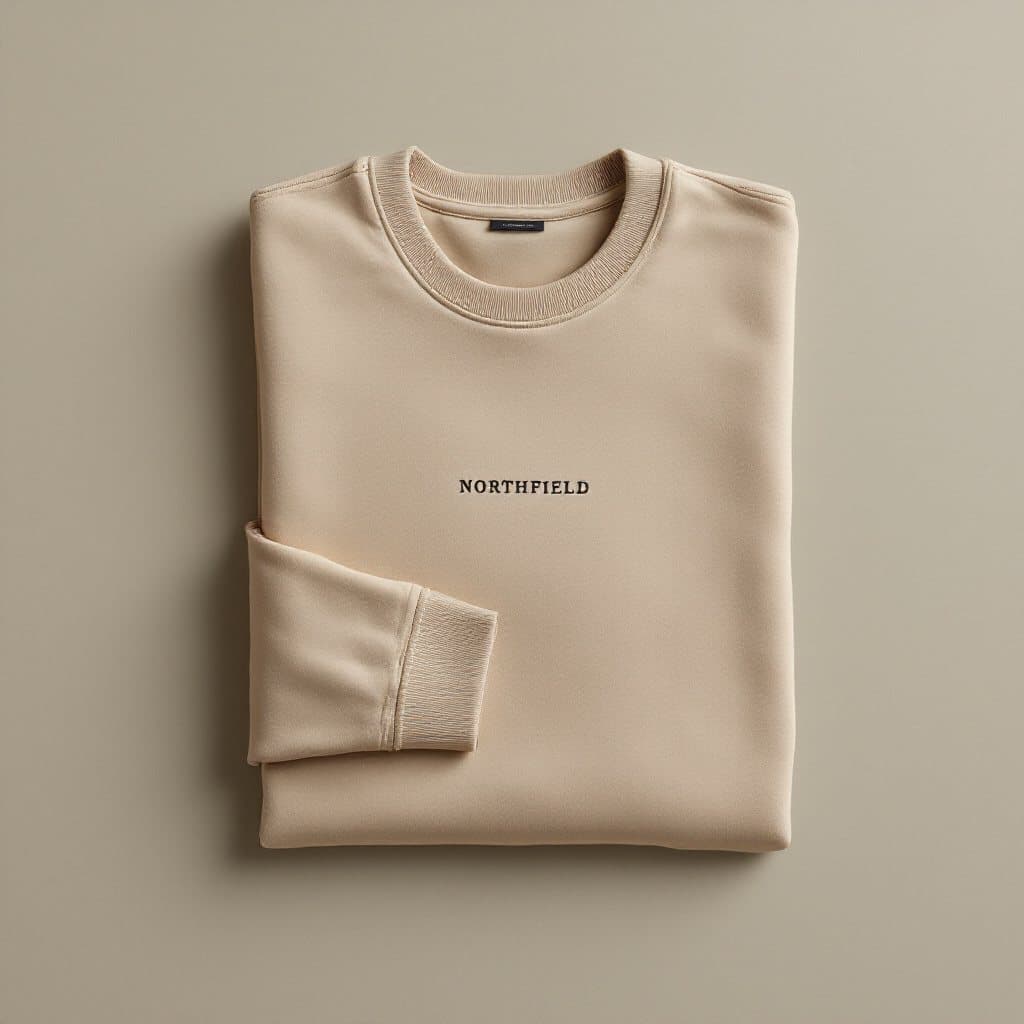
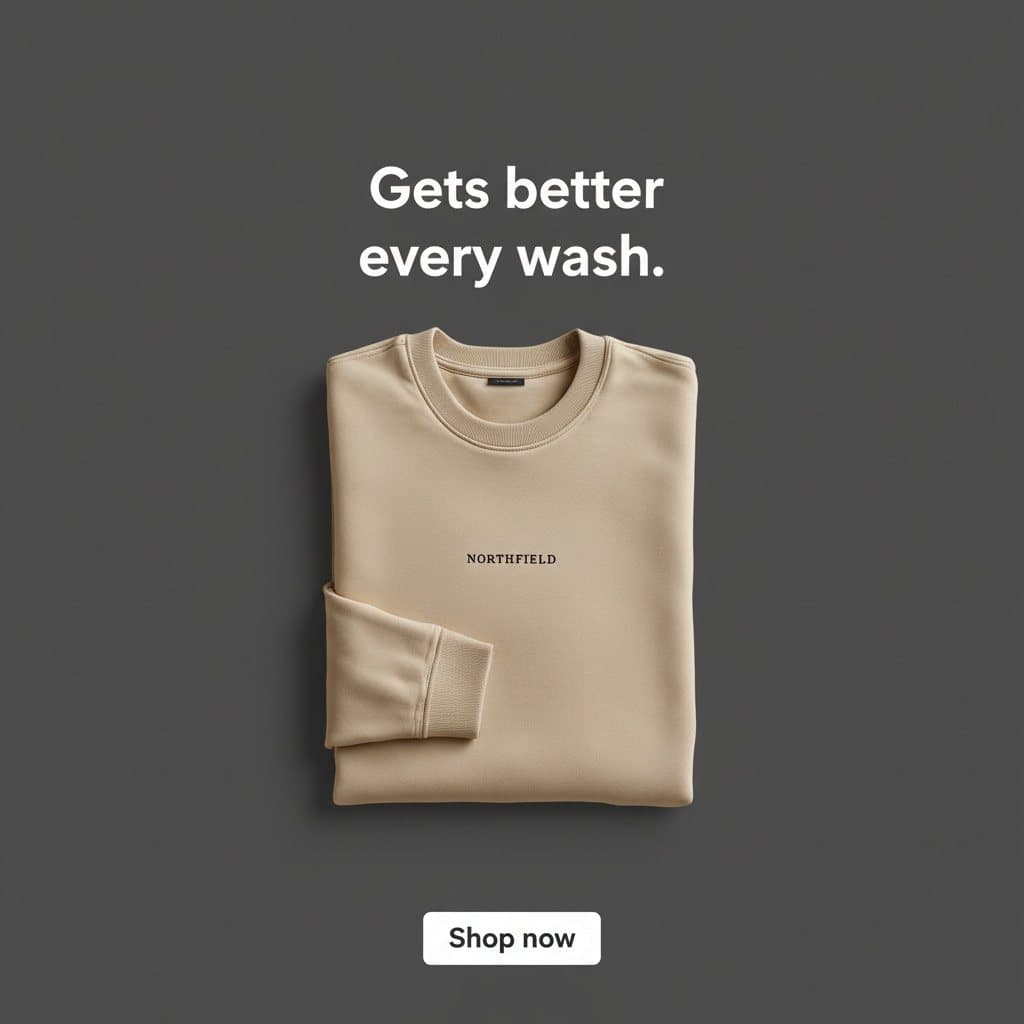

From one product photo to ads. Unedited advrt outputs for a fictional apparel brand.
How does advrt work with a Shopify store?
advrt reads your products from Shopify's GraphQL Admin API using an access token with the read_products scope. You choose how many to bring in, up to 250 per run, and each product arrives with its title, description, vendor, handle, up to 20 photos and up to 100 variants with their prices and SKUs. The token is used for that import and not saved.
From there each product works like any other in advrt: pick it for a campaign, get 3 to 6 angles, make image and video ads around its real photos, then test them on Meta or publish to Meta and TikTok. The import is one-off. When you add products or change prices in Shopify, run it again; advrt matches products by their Shopify ID, so a re-run updates them instead of creating duplicates.
At a glance
| Connection | Admin API token, read_products |
|---|---|
| Per run | Up to 250 products |
| Per product | Up to 20 photos, 100 variants |
| Price used | The first variant's price |
| Sync | One-off; re-run to update |
| Token stored | No |
| Then | Ads, Meta tests, publish to Meta and TikTok |
How to import a Shopify catalog into advrt
Import works on every plan. Testing and publishing start on Basic.
- Get an Admin API token with read_products. If you have a custom app created in your Shopify admin before 1 January 2026, its token still works. New custom apps are made in Shopify's Dev Dashboard, which issues tokens through the client credentials grant; those last 24 hours, which is enough for a one-off import.
- Enter your store's permanent domain. advrt needs the yourstore.myshopify.com address, not your custom domain.
- Choose how many products. The form starts at 50 and goes up to 250 per run.
- Check the import. Each product shows its photos, variants and the first variant's price. Products are matched by Shopify ID, so running it again updates them.
- Make ads. Pick products for a campaign, choose an angle and generate. Image ads are built around the product photos; video can animate the first one.
- Test on Meta. Launch up to six ads per test, judged against your ad account's last 30 days.
What changed with Shopify access tokens in 2026?
Shopify moved custom apps to its Dev Dashboard. Custom apps created in the Shopify admin before 1 January 2026 can still be managed there, along with their tokens. New ones are created and managed in the Dev Dashboard, and the way to get a token for your own store is the client credentials grant: your app's client ID and secret are exchanged for an access token that lasts 24 hours.
- For advrt this is workable: the token is only needed during the import and isn't stored, so a 24-hour token covers it.
- The client credentials grant only works when the app and the store belong to the same Shopify organisation. An agency can't use its own app on a client's store this way; the client creates the app in their organisation and generates the token.
- Getting the token means one POST request to your store's /admin/oauth/access_token endpoint. If nobody on your team is comfortable with that, use advrt's CSV import or paste product URLs instead.
What does the import not do yet?
We'd rather you know now. The import is a snapshot: it never runs on its own, and it doesn't page through big catalogs for you.
| advrt today | What to do | |
|---|---|---|
| Products per run | Up to 250 | Shopify's API also caps a page at 250 |
| Catalogs over 250 | Each run returns the first products Shopify lists; the form doesn't page past them yet | Use CSV import or product URLs for the rest |
| Automatic sync | None | Re-run the import after catalog changes |
| Photos | Linked from Shopify's CDN | Keep the photos live in Shopify |
| Price | First variant's price | Edit the product in advrt if that's wrong for ads |
| Collections, inventory, metafields | Not imported | Put key selling points in the description |
| What the angle writer sees | A short excerpt of each product's details, about 240 characters including vendor and handle | Lead your description with the selling points |
| Writes back to Shopify | Never; read-only scope |
Based on advrt's Shopify importer as of October 2026.
Product URL import works differently and can be better for a handful of hero products: it reads the page's structured data first, falls back to AI extraction, and copies the photos into your advrt library.
Which Shopify products should you make ads for first?
Import the whole catalog if you like, but make ads for a few products first. A creative test splits budget equally across up to six ads, so testing six products at once gives each one a sixth of your budget and slows every verdict down. Pick the products where a better ad would move revenue most.
- Best sellers with a tired ad. You already know they convert; a new creative is the cheapest win to find.
- Products with a clean packshot. The image models preserve what's in the photo, so a sharp, well-lit product photo with a readable label gives the best ads.
- Products with a clear reason to buy in the first lines of the description. That's the part of your product data the angle writer reads.
- One product per test. Test three or four creatives for one product, keep the winner, then move to the next.
How many generations does a catalog need?
Importing is free; making ads is what counts. Every image or video render is one generation. A useful starting set is three images per product (lifestyle, UGC-style and a headline static, as in our showcase) plus one video for your best sellers.
| Products | 3 images each | Plus 1 video each | Fits in |
|---|---|---|---|
| 1 | 3 | 4 | Free (5/mo) |
| 5 | 15 | 20 | Basic (100/mo) |
| 25 | 75 | 100 | Basic (100/mo) |
| 100 | 300 | 400 | Pro (unlimited, $49/mo) |
Plan limits from advrt's billing config: Free 5, Basic 100 at $19.99/mo, Pro unlimited at $49/mo. Re-rolls use generations too; we needed about one per two videos.
advrt vs other ways to make ads from a Shopify catalog
Shopify ad tools split into catalog ads, which show every product in a template, and creative tools, which make new ads for a few products at a time.
| Option | Best for | Main tradeoff | Testing on Meta | Price signal |
|---|---|---|---|---|
| advrt | New image and video ads for your key products, tested fairly | One-off import, no auto-sync | Built in | Free; $19.99/mo; $49/mo |
| Meta catalog ads with a feed tool (for example Marpipe) | Every SKU in dynamic product ads, synced daily | Template look per SKU; no new concepts | Meta's delivery decides | Marpipe Startup $199/mo, 500 SKUs |
| Shopify ad apps (for example AdCreator AI) | Quick 1080×1080 composites and copy inside Shopify | Download and upload yourself | Free 6 image ads/mo; Starter $29/mo | |
| Designer or agency | Brand-perfect creative | Cost and turnaround | Depends on the agency | Per project or retainer |
Marpipe and AdCreator AI details from their pricing page and Shopify App Store listing, checked October 2026.
Checked facts
- Shopify's GraphQL Admin API returns "up to a maximum of 250 resources" per page (Shopify: Paginating results with GraphQL, checked October 2026).
- Shopify's Help Center: custom apps are created and managed in the Dev Dashboard; legacy custom apps "created before January 1, 2026" can still be managed from the Shopify admin (Shopify Help: Custom apps).
- Shopify's client credentials grant "only works when the app and the store belong to the same Shopify organization", and its tokens expire after 86,399 seconds, about 24 hours (Shopify: Client credentials grant).
- Marpipe's Catalog Creative Startup plan is $199/mo with a 500-SKU cap and daily sync, and "all variants count as SKUs" (Marpipe pricing, as of October 2026).
- AdCreator AI's Shopify listing shows a free plan with 6 image ads a month and paid plans from $29/mo, outputs 1080×1080 creatives to download, and had 1 review at the time we checked (AdCreator AI on the Shopify App Store).
What it costs
| Plan | Price | Includes |
|---|---|---|
| Free | $0/mo | 5 ad generations / month · 1 brand · AI angles, hooks and ad copy · Ads built from your real product photos · Meta Ad Library swipe file |
| Basic | $19.99/mo | 100 ad generations / month · Up to 5 brands · Everything in Free · Live creative tests on Meta · Winner / loser verdicts vs. your account · Auto-pause losers · Publish to Meta and TikTok |
| Pro | $49/mo | Unlimited ad generations · Up to 50 brands · Everything in Basic · Video ad generation at volume · 14-day free trial |
Prices in USD. Ad spend is paid to Meta or TikTok from your own ad account. Compare plans
Questions
- Does advrt sync with my Shopify store?
- No. The import is one-off. Run it again to pick up new products or changes; products are matched by Shopify ID, so nothing is duplicated.
- What permissions does advrt need?
- An Admin API access token with the read_products scope. advrt only reads products and never writes to your store. The token is used for the import and not saved.
- How do I get a token now that custom apps moved to the Dev Dashboard?
- Custom apps made in the Shopify admin before 1 January 2026 keep working. For a new app in the Dev Dashboard, exchange its client ID and secret for a token with the client credentials grant; the token lasts 24 hours, long enough for an import.
- How many products can I import?
- Up to 250 per run. For larger catalogs, add the rest by CSV or product URL; the Shopify import screen doesn't page past the first 250 yet.
- Is there a Shopify app?
- Not in the Shopify App Store. advrt connects through the Admin API with a token you create.
- Can I publish the ads back to my store?
- No. Ads go to Meta and TikTok. advrt doesn't write to Shopify.
Related features
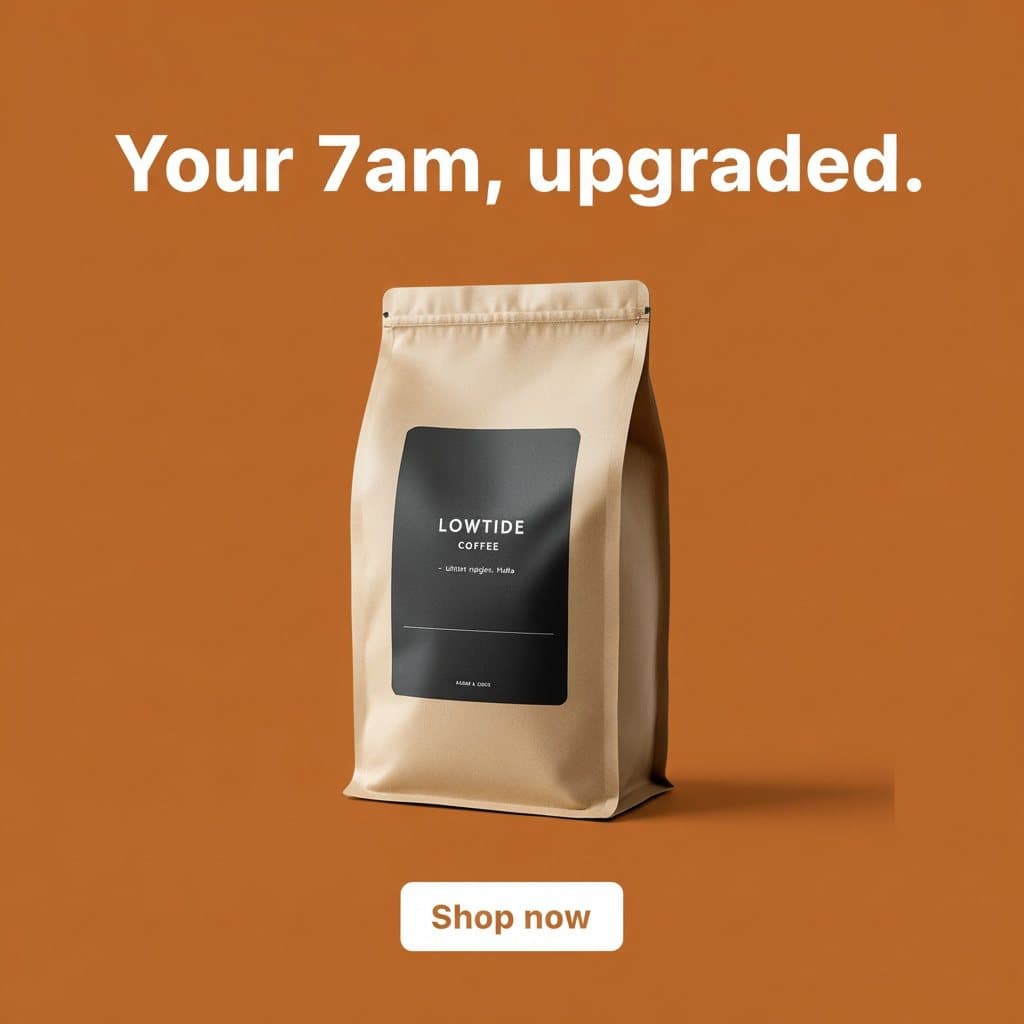
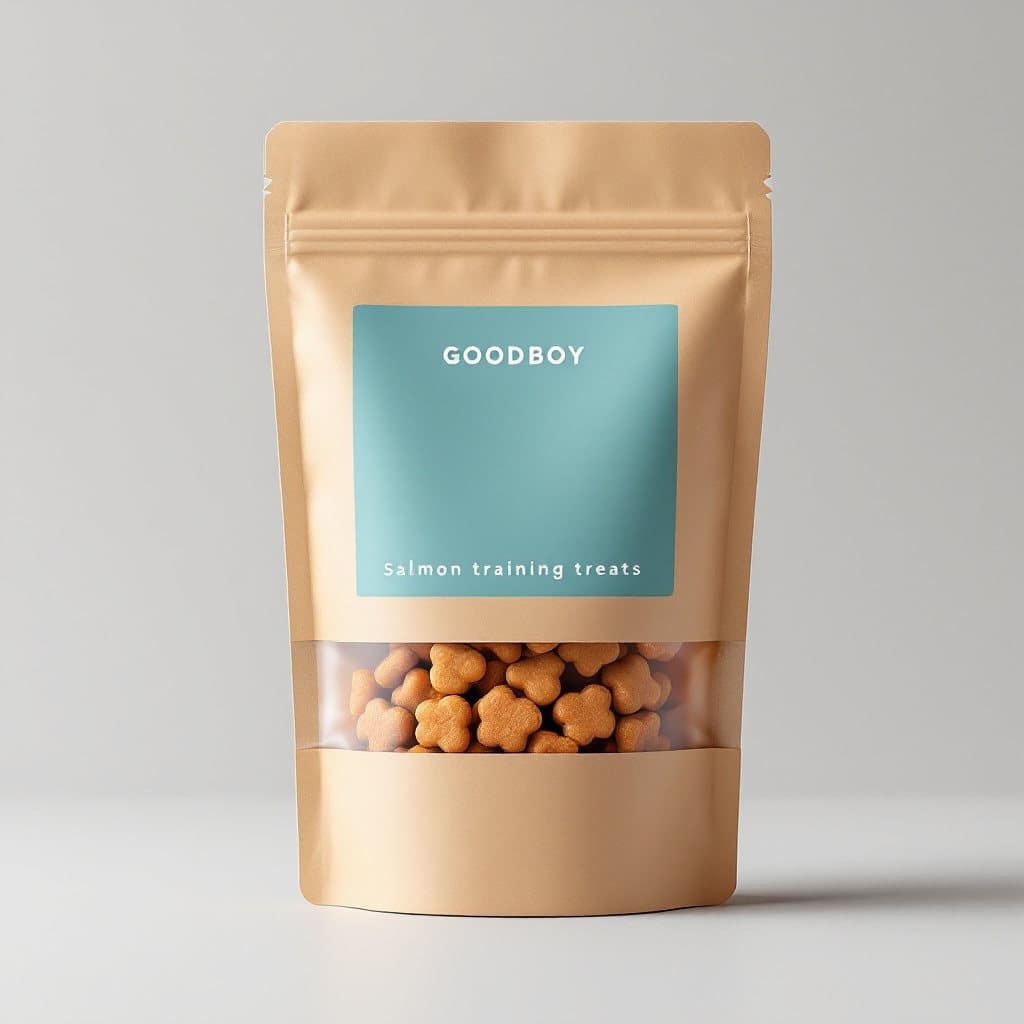

Further reading
- advrt for Shopify and DTC brands · The full workflow for a store
- Best AI ad generators for Shopify · Ranked and compared
- Best AI tools for ecommerce · Beyond ads
- Meta ad generator · Facebook and Instagram sizes
- TikTok ad generator · Publish to TikTok Ads
- Marpipe alternative · Catalog ads vs concept testing
- advrt by industry · Examples by store type
- Pricing · Import is free on every plan
Sources
External facts checked 19 October 2026.
Your next step
Create a read_products token, import your catalog, and make ads for one best seller first. Re-run the import whenever the catalog changes.