Make YouTube Shorts and in-stream video from a product URL.
advrt makes 9:16 video for Shorts and 16:9 for in-stream, built around your real product photos, with hooks and a short script for every angle. It doesn't publish to YouTube or run tests there: you download the files and upload them in Google Ads.
Free plan: 5 ad generations a month, no card.
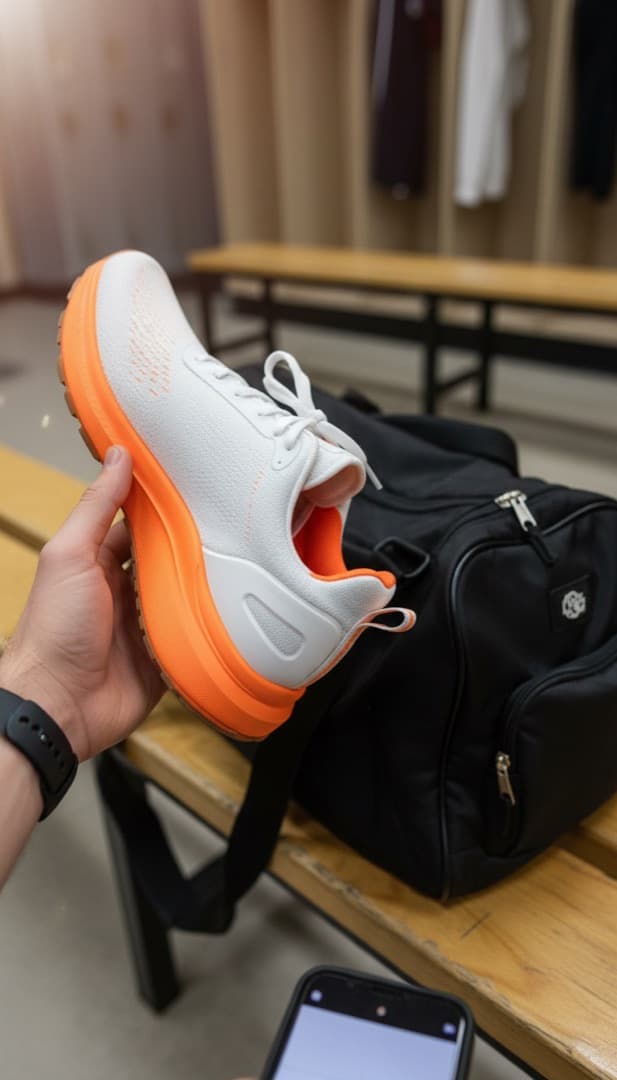
 The product photo advrt started from
Shorts · 9:16

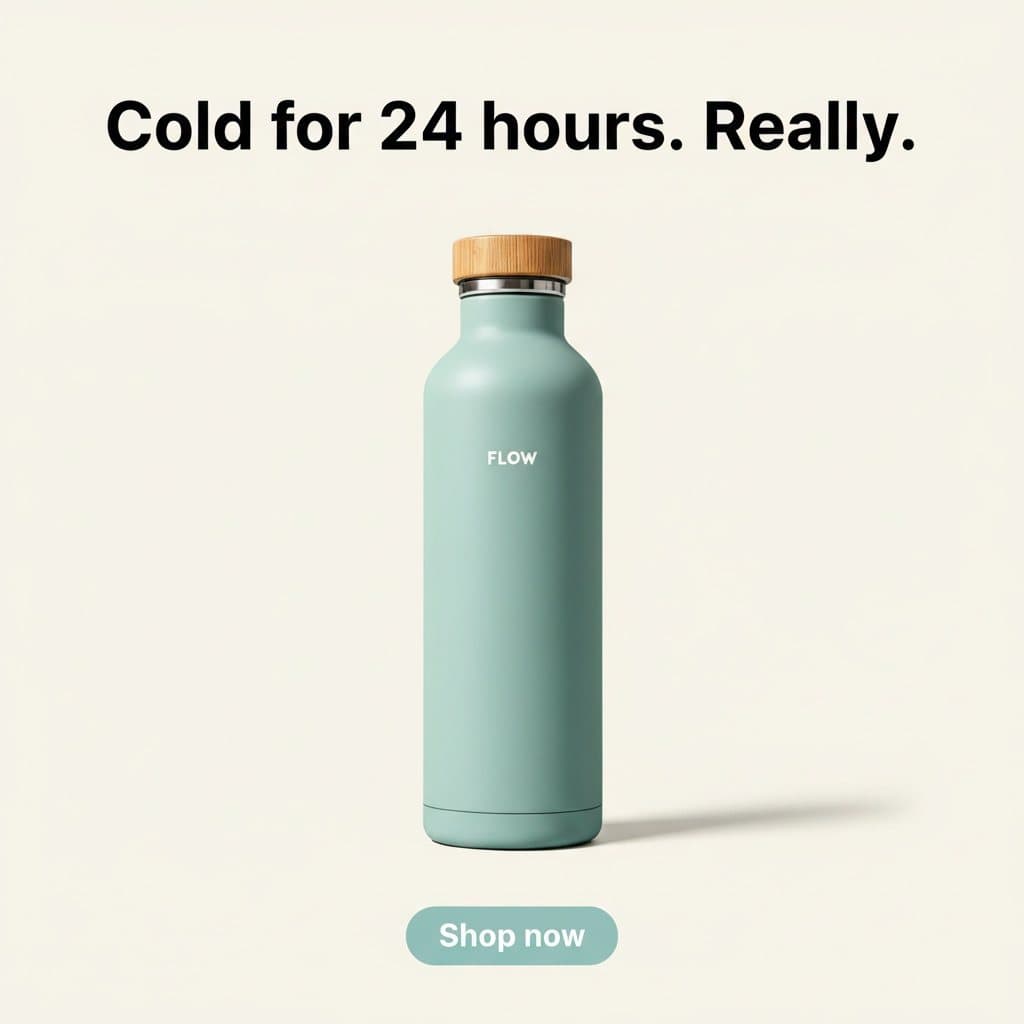
Square still · 1:1
What advrt does on YouTube
| Make ads in YouTube sizes | 9:16 and 16:9 video, plus 16:9 and 1:1 stills. | |
|---|---|---|
| Publish from advrt | Download the files and upload them in Google Ads. Google Ads integration is in development. | |
| Run live tests | Live tests run on Meta only. |
Sizes advrt generates
| Shorts | 9:16 video |
|---|---|
| In-stream | 16:9 video |
| Bumper | 16:9 short clip |
| Still image | 16:9 or 1:1 |
From product page to YouTube ad
1. Paste a product URL
advrt copies in your product photos, pulls your brand kit and writes distinct angles with hooks and a short script.
2. Generate in 9:16 and 16:9
Pick the ratio per generation: 9:16 for Shorts, 16:9 for in-stream. Video comes from Veo 3, Kling 2.1 or Luma.
3. Download and upload
Export the files and upload them in Google Ads.
How advrt differs from YouTube Asset Library and Video Builder
The platform's own tools are useful. They start from a different place.
YouTube Asset Library and Video Builder
- Builds from templates and assets you upload. It doesn't start from a product URL.
- Doesn't write angles and hooks from your product page.
- Doesn't pull a brand kit from your site.
- YouTube only, so nothing carries over to Meta or TikTok.
advrt
- Makes Shorts (9:16) and in-stream (16:9) from the same product.
- Animates your real product photos with Veo image-to-video.
- Writes hooks and a short script for every angle.
- Applies the brand colours, fonts and voice from your site.
YouTube questions
- Does it generate vertical Shorts ads?
- Yes. 9:16 video with hook ideas from the angle generator. Generate the same angle in 16:9 for in-stream. There are no captions or voiceover yet.
- Can it produce 6-second bumpers?
- Generated clips are short, typically 5 to 10 seconds depending on the model, so a single-hook clip is a good starting point. Trim to 6 seconds in your editor before uploading it as a bumper.
- Will my ads work in Performance Max or App campaigns?
- They're standard image and video files in common ratios (16:9, 1:1, 9:16), so you can add them to asset groups yourself. advrt doesn't add any Google-specific metadata.
- Can I push directly to YouTube?
- Not today. advrt has no Google Ads or YouTube connection, so download the files and upload them in Google Ads. Google Ads integration is in development.
- How does this compare to YouTube's Video Builder?
- Video Builder assembles videos from templates and assets you provide. advrt starts from your product URL: it writes the angles and generates footage from your product photos.
- What about cinematic, brand-style ads?
- Veo 3 and Kling 2.1 can produce polished, cinematic product shots. For brand films with people speaking on camera you'll still need a shoot, because advrt doesn't make talking avatars yet.
Other platforms
Make your first YouTube ad from a product URL.
Free plan: 5 ad generations a month, no card.